
Free AI Background Remover,
right in your browser.
Upload a photo, and an AI model running on your own device cuts out the subject and hands you a transparent PNG. No account. No watermark.
Choose an image to remove its background
Tap to browse, drag & drop, or paste (Ctrl+V / ⌘+V).
Processed on your device — nothing is uploaded · JPEG · PNG · WebP · HEIC, up to 12 MB
Got more than one? Batch-process up to 50 photos at once →
Drag the subject to reposition it · pinch or use Size to zoom.
Free forever — if this saved you time,
☕ Buy us a coffeeHow was your result?
Tap the stars — only your star rating is sent, never your photo.
Deback Scenes
Free · no watermark · everything happens in this tab
Seller Studio
Put your cutout on a photographic studio backdrop — free, no account, no watermark. Your image never leaves this browser tab.
Have up to 50 photos? Process them all at once with batch processing →
Your product photo
Drop a photo here, or click to browse.
We’ll remove the background first if it still has one.
Free download, no watermark — same promise as the main tool.
Free forever — if this saved you time,
☕ Buy us a coffeeComing soon to Seller Studio
We’re building the full seller workflow next. Tell us what you need first — we’ll email you the moment it’s ready.
Marketplace presets
One click: Amazon-ready white, Etsy listing size, eBay gallery — sized right, every time.
Bigger batch runs
Batch is live at 50 free — we’re exploring 100+ photo runs with one ZIP download. For sellers with real catalogs.
40+ studio backdrops
Marble, walnut, linen, and lifestyle scenes — photographic backdrops picked for product shots that sell. Apply to one photo or a whole batch at once.
Batch logo stamping
Stamp your shop logo on every photo in a batch run, automatically. Your brand on every listing.
✓ You’re on the list — we’ll email you as soon as it’s ready.
TEST MODE — no email sent. This is a staging preview.
Couldn’t submit just now. Email [email protected] and we’ll add you manually.
Tough edges? Drag to inspect.
Flyaway hair, pet fur, product shots — the edges other tools choke on. Cut with the tool above, no uploads.


Real photos, clean cutouts
Sample photos cut out with the tool above — no Photoshop, no uploads. Tap a card to flip through them.
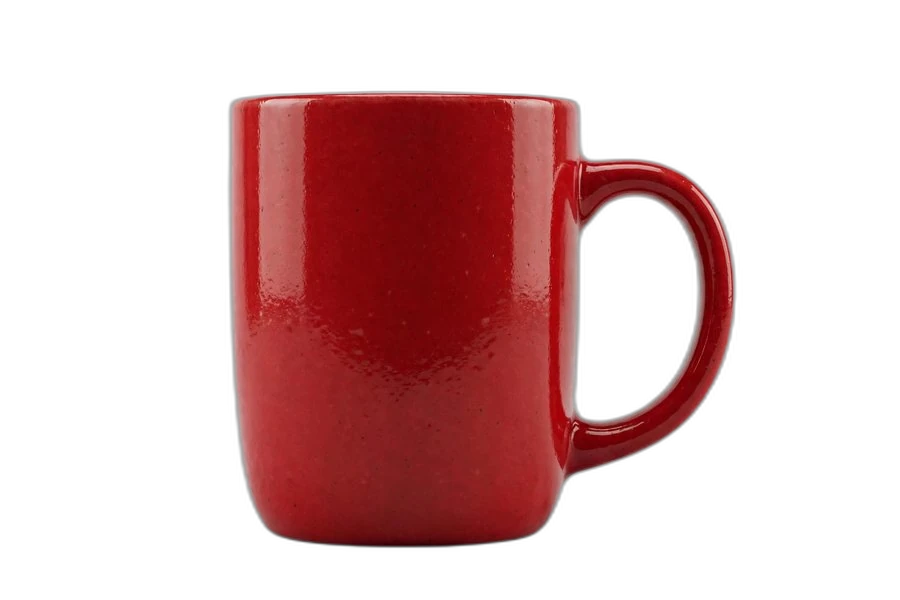









Original photo shown top-right of each card.
Free means free here
Most background removers charge the moment you want full resolution — subscriptions, credit packs, daily caps. Deback doesn't.
| Feature | Deback | Typical background removers |
|---|---|---|
| Price | $0, free forever | Subscriptions or per-image credit packs |
| Sign-up | None — just use it | Usually required to download in HD |
| Your photos | Never leave your device | Uploaded to company servers |
| Full resolution* | Always free | Often paywalled behind Pro |
| Watermark | Never | Sometimes, on the free tier |
*Up to 2048 px on the longest side — very large photos are scaled down to fit your device's memory. What you download is always the full processed resolution, never a paywalled preview.
How it works
Three steps. The heavy lifting happens on your device, not on our servers.
-
1. You pick a photo
Drag & drop or tap to choose a JPEG, PNG, or WebP image. It stays in your browser's memory — it is never sent anywhere.
-
2. The AI model runs locally
On your first visit, your browser downloads an open-licensed AI segmentation model (IS-Net by Qin et al., via imgly's MIT-licensed ONNX conversion — about 44 MB, cached afterwards). It then analyzes your photo and separates the subject from the background using your device's processor.
-
3. You download a transparent PNG
Preview the cutout against a checkerboard, then save it as a PNG with a transparent background — ready for listings, thumbnails, designs, and documents.
Why process it in your browser?
Most free background removers upload your photo to a server farm. Deback takes the opposite approach.
Private by architecture
When local processing is active, your image bytes never leave your device. There is no upload to intercept, no server copy to delete, no retention policy to trust.
No queues, no accounts
No sign-up wall, no "3 free credits" counter, no waiting behind other users' jobs. Open the page and go.
Free because it's cheap to run
Server-side AI costs money per image, which is why competitors charge or limit you. Local processing costs us nothing per image — so the basic tool stays free.
Real AI, not a filter
The tool uses IS-Net (int8 quantized), an open-licensed deep-learning model for subject segmentation — the same class of technology behind professional background removal, running entirely in your browser.
Quick answers
The short version. Full details on the FAQ page.
Is it really free?
Yes — the basic background-removal tool is free to use, with no account and no watermark on downloads. Batch processing is live too, free up to 50 images at a time. If other premium features are ever added, the basic tool will remain free.
Do you see or store my photos?
No. When local processing is active — the default — your image is processed entirely inside your browser tab and is never transmitted to our servers or any third party. See the privacy policy for the precise technical details.
Which browsers work?
Recent versions of Chrome, Edge, Firefox, and Safari on desktop and mobile. All processing happens on your device via WebAssembly — no uploads, no servers. Very old browsers may not be supported.
Why does the first run take longer?
Your browser downloads the AI model (about 44 MB) once, then caches it. Later visits skip the download and go straight to processing.
Free background removal without the upload
Removing an image background used to mean Photoshop skills or trusting a website with your photos. Deback is built on a simpler idea: modern browsers are powerful enough to run the AI themselves. The segmentation model loads from a public file CDN, runs in an isolated page context on your device, and produces a transparent PNG you can use anywhere — product listings, YouTube thumbnails, presentations, profile pictures, or design mockups.
Because there is no server in the loop, there is nothing to sign up for and no per-image cost to pass on to you. That is the entire business model of the free tier: a tool that costs almost nothing to operate can afford to be free.
Honest limitations
No tool is perfect. Very fine detail like wispy hair or translucent glass can challenge any automatic segmentation, including this one. Extremely large images are downscaled before processing to protect your device's memory, which can soften edges slightly. And first-time model download needs a decent connection. We would rather tell you this up front than promise magic.
Deback is an independent tool and is not affiliated with remove.bg or any other background-removal service. If you are comparing options, our remove.bg alternative page lays out the factual differences.